From the Lock Screen
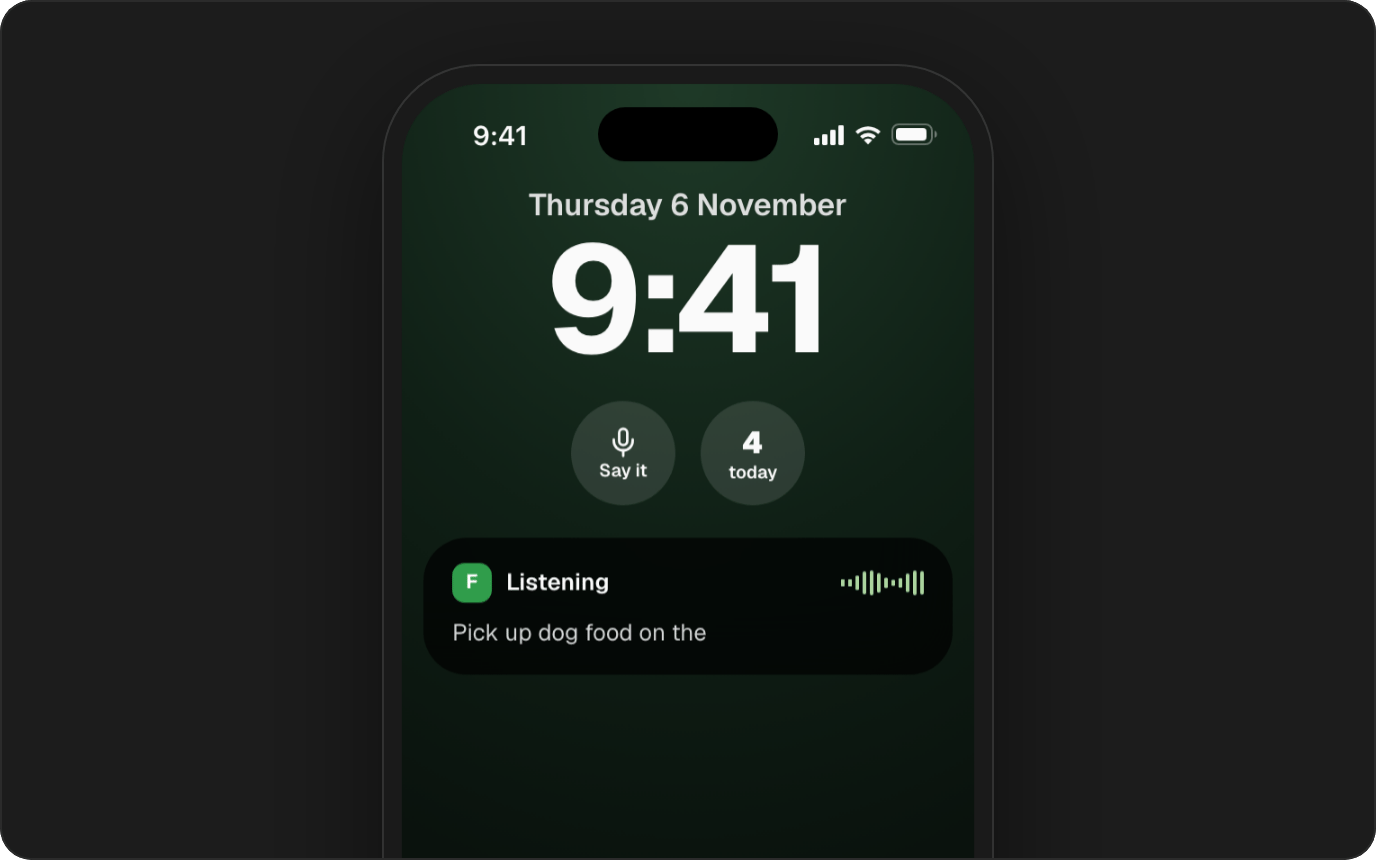
You can start Say it from your Lock Screen, including with the Action Button, while your phone stays locked. A Live Activity shows what Ferrin hears as you speak.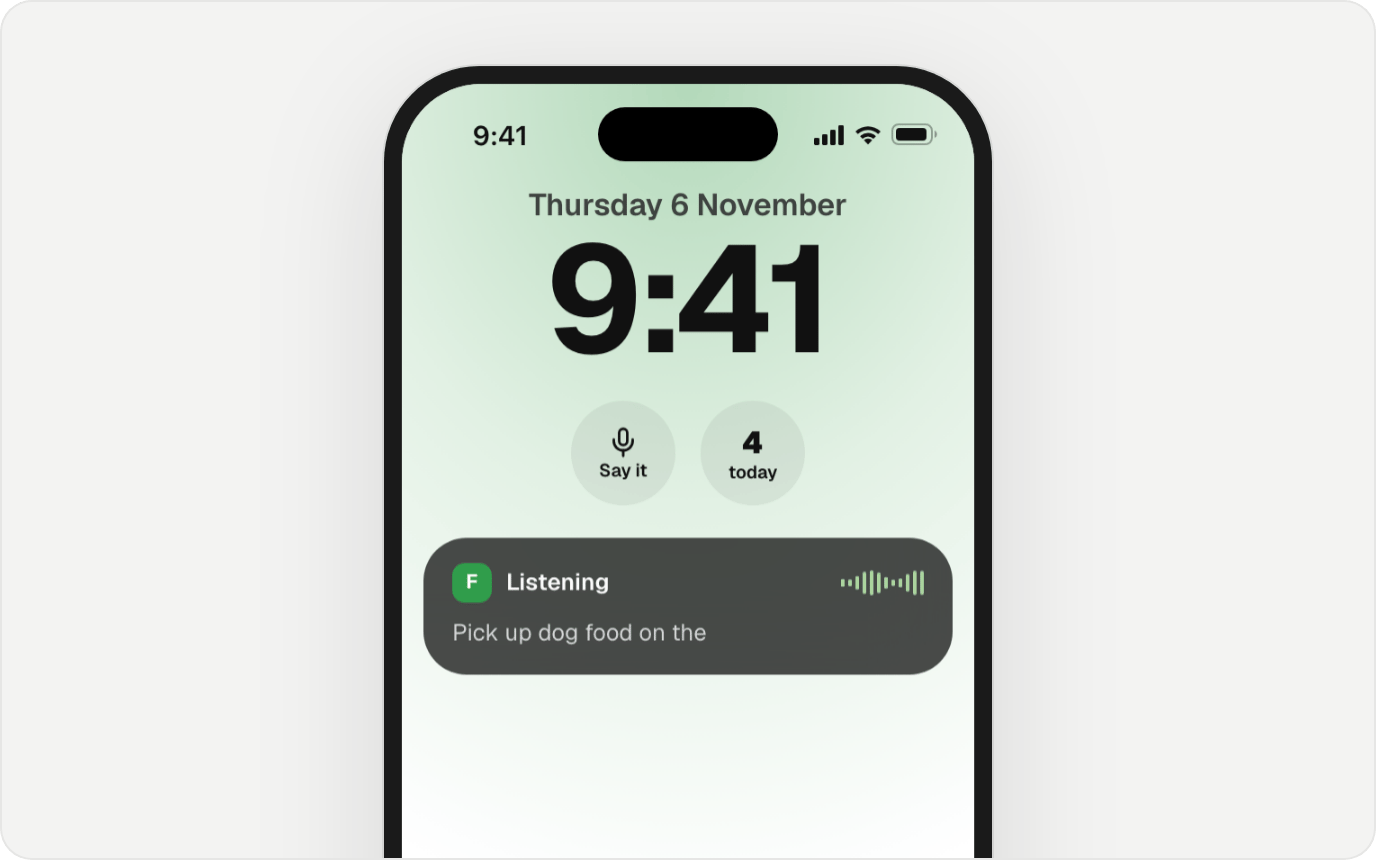
In the Dynamic Island
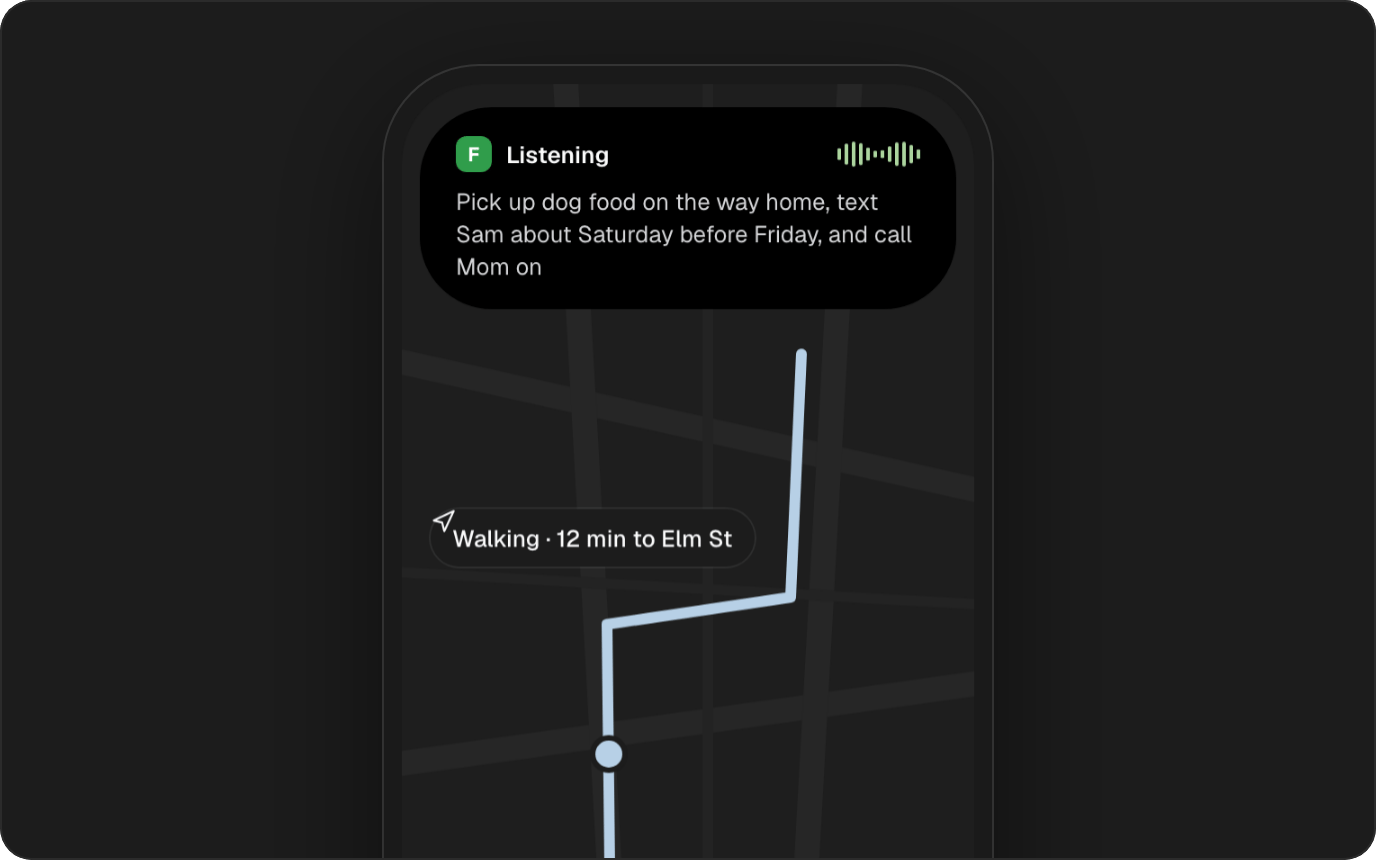
While Ferrin is listening or sorting, it shows in the Dynamic Island, so you can keep using your phone.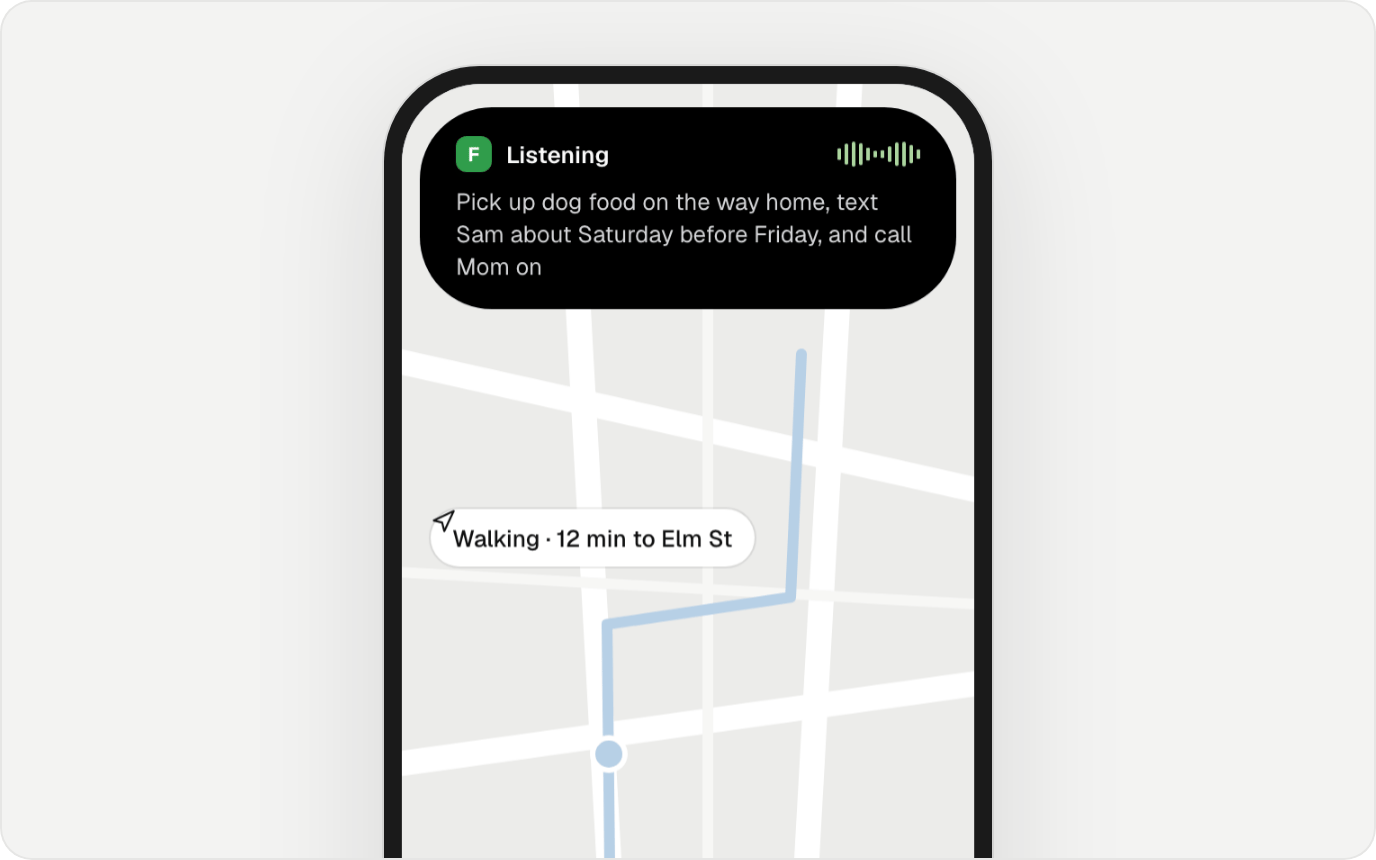
In the app
- Open Ferrin.
- Tap Say it and talk.
- Review what Ferrin heard before it’s added. See Review before it lands.