How to review tasks
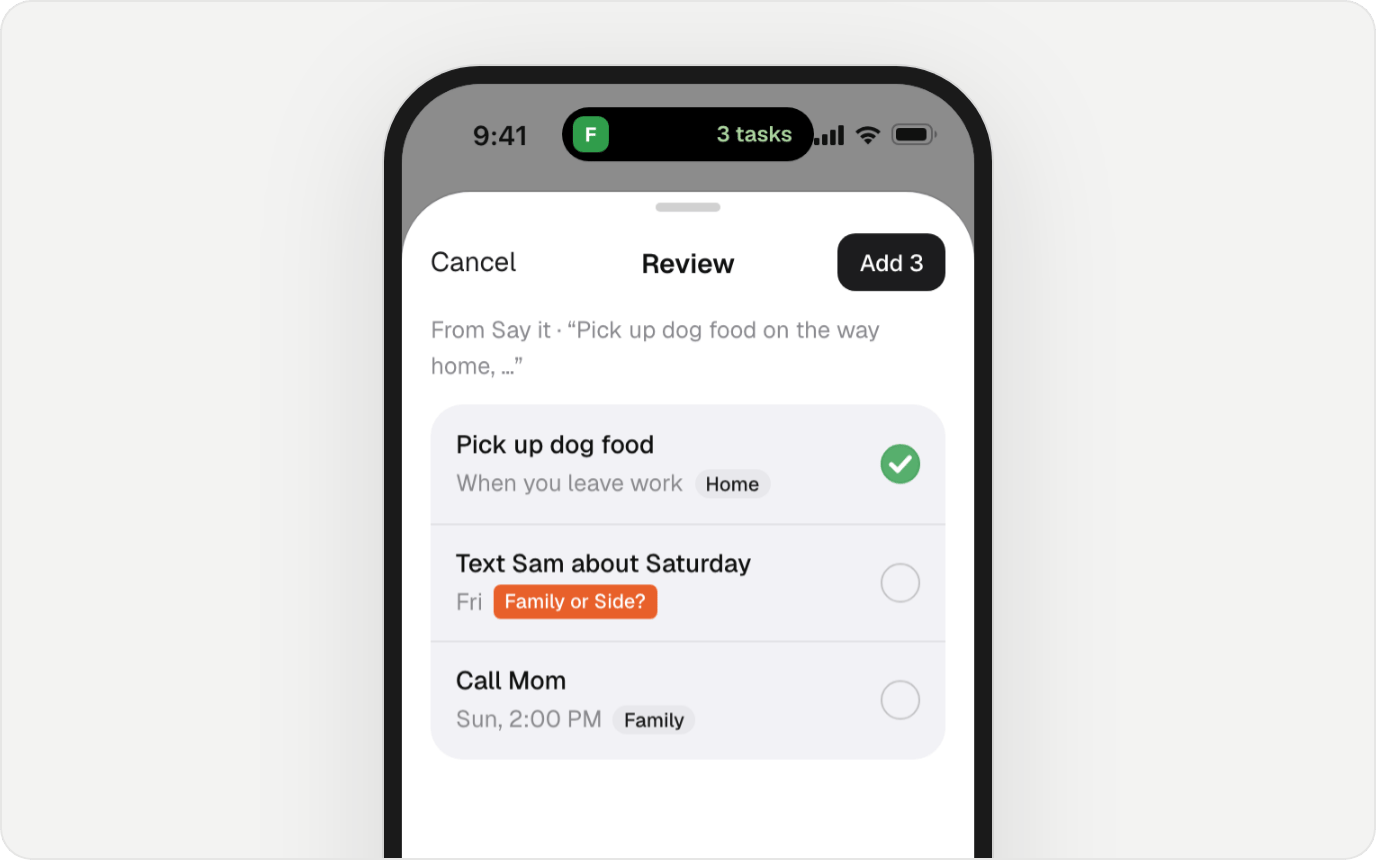
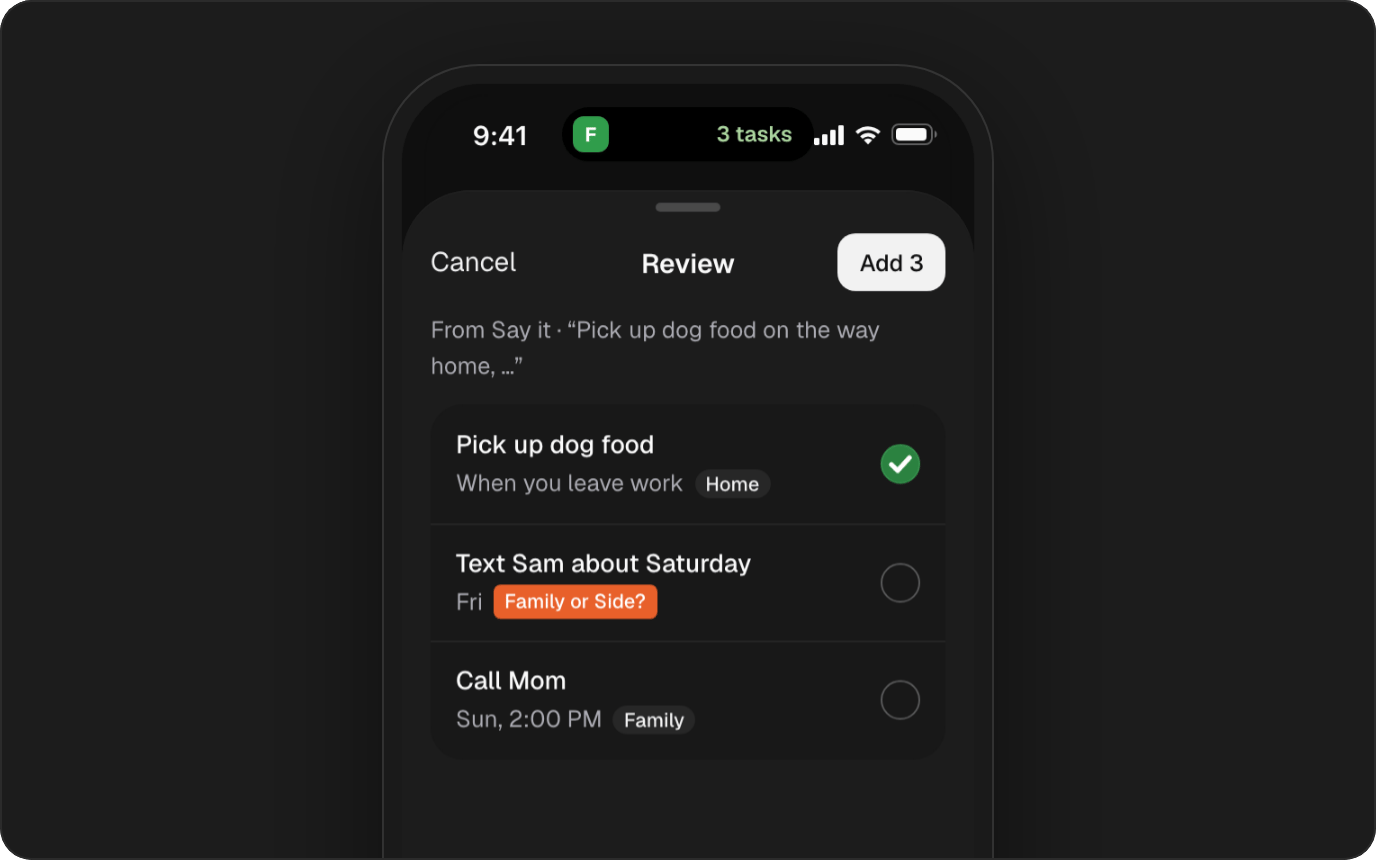
- Check each task. It shows the title and the details Ferrin filled in, along with the words it came from.
- Fix anything Ferrin got wrong. If Ferrin wasn’t sure about something, it asks you, like Family or Side? in the example above.
- Tap Add to add all the tasks at once. They land in your plan, marked as new.